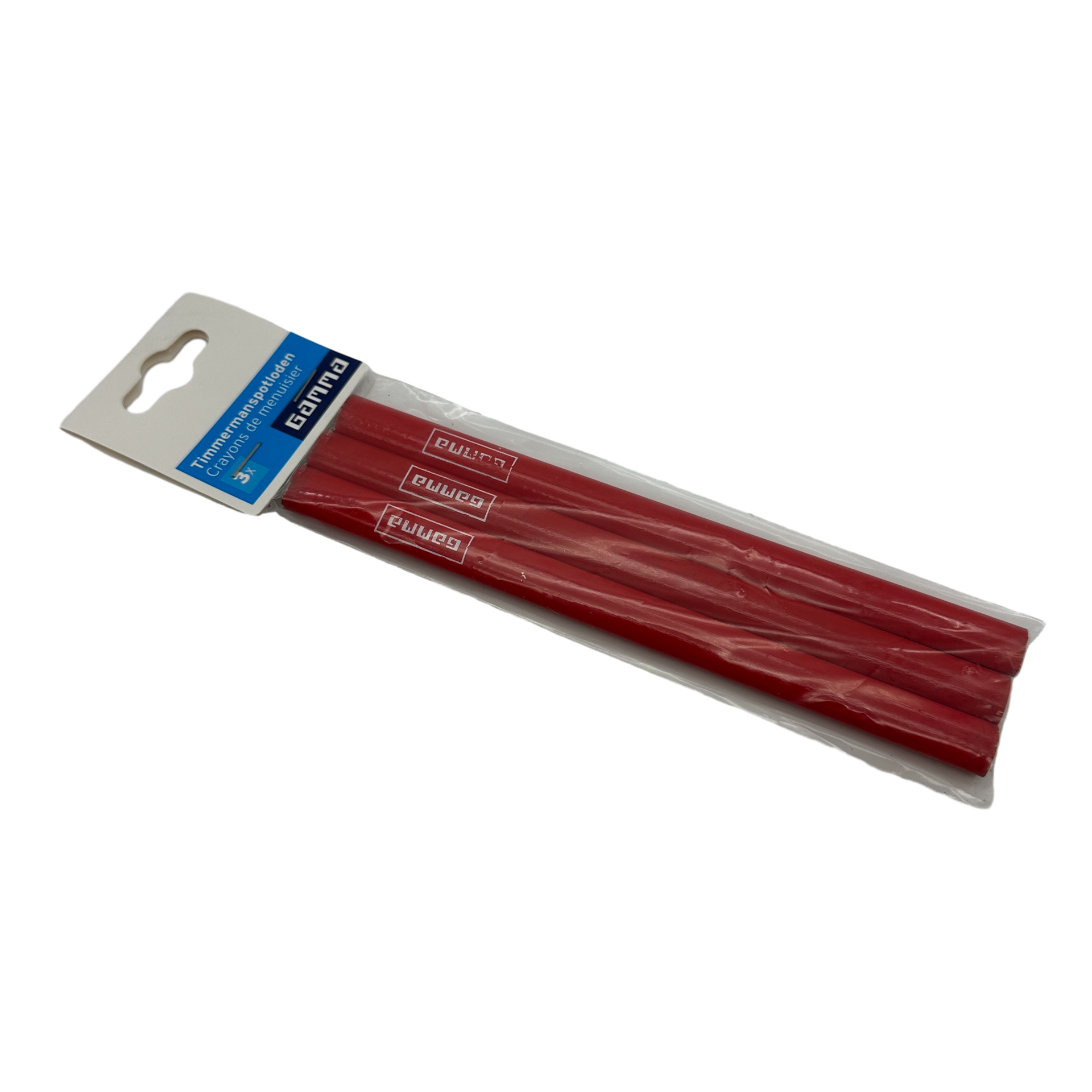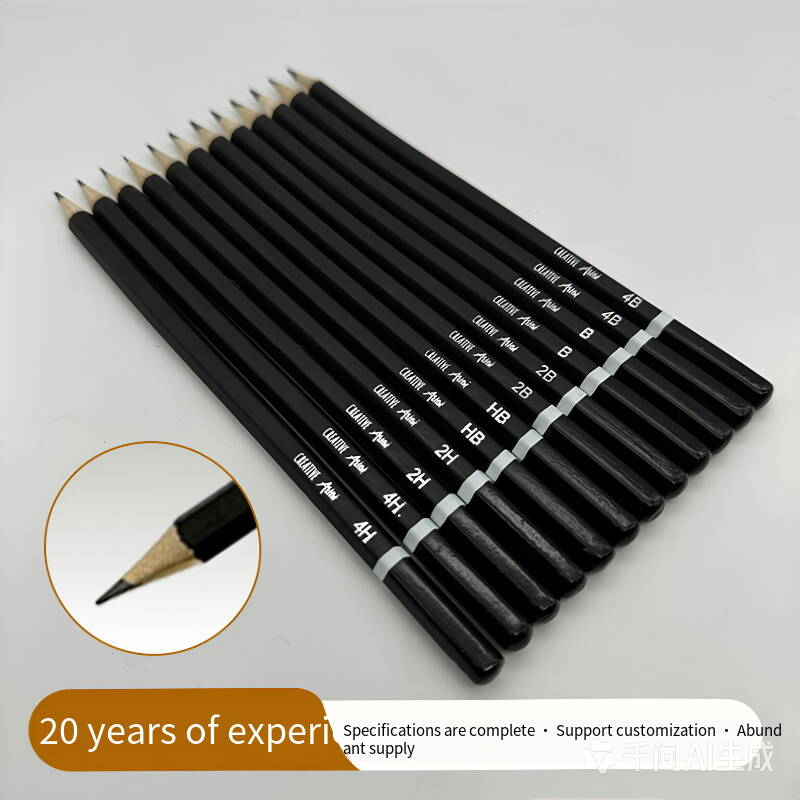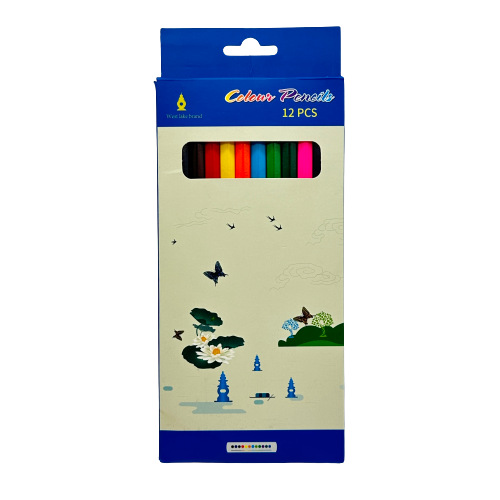
Computer & OfficeMOQ100 Sets Drawing Pencils, Art-Specific Soft Wood, 12-Piece Boxed Set, Colored Pencils, Writing Tools, Colored Pencils Factory Wholesale
From $0.06
View variants & availability
 ORDERNSHIP
Shipping cost and delivery estimate calculated at checkout.
View return conditions and refund steps.
Track orders and manage deliveries in your account.
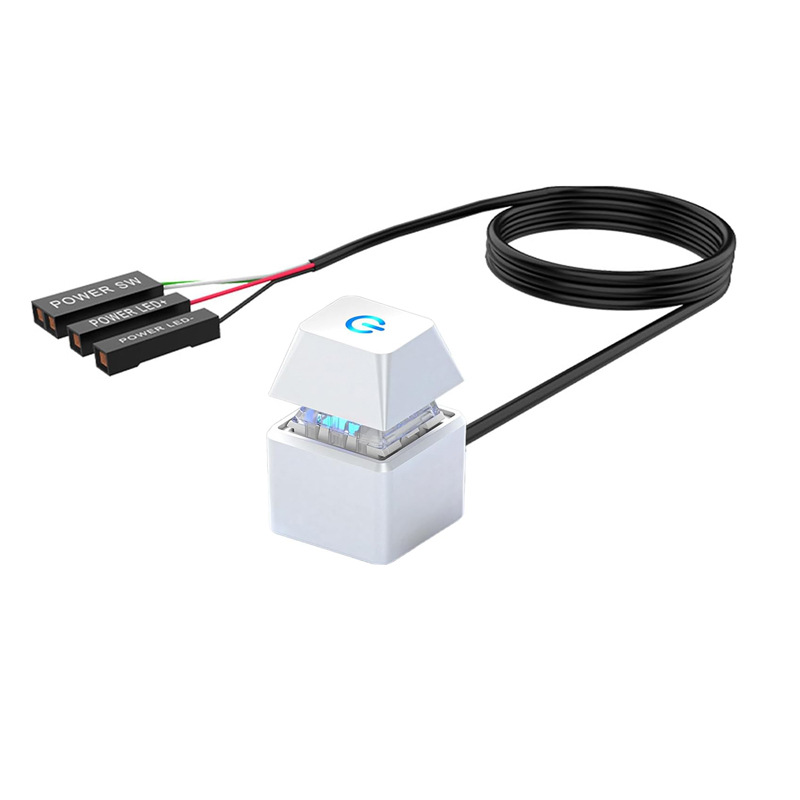
See how we use and protect your personal data.External PC Power Switch Button Product Description This external desktop computer power switch is an extension power button for PC main units. Equipped with long connecting wire, it can be mounted outside the computer case by double-sided tape. It allows users to turn the computer on/off without reaching the original chassis button. Multiple colors including black, white, blue, pink and orange are available, and split one-into-two versions are optional. Widely used for DIY PC, internet cafes, home office computers, convenient for hidden host installation. Flexible Extended Cable Design Long wire enables placing the power button anywhere away from the computer chassis. Easy Adhesive Installation Stick with double-sided tape, no complicated drilling required. Multi-color & Optional 1-to-2 Splitter Version Rich color choices; optional split model supports expanded connection demands.
Supplier availability is checked again at checkout. Supplier stock is not reserved until fulfillment is confirmed.
Calculate available services for your destination. Transit times are estimates; customs duties may apply. Quotes are valid for 10 minutes. Delivery information